Lumi Kids
Best Spanish Apps for Kids (Ages 4–9), Compared for 2026
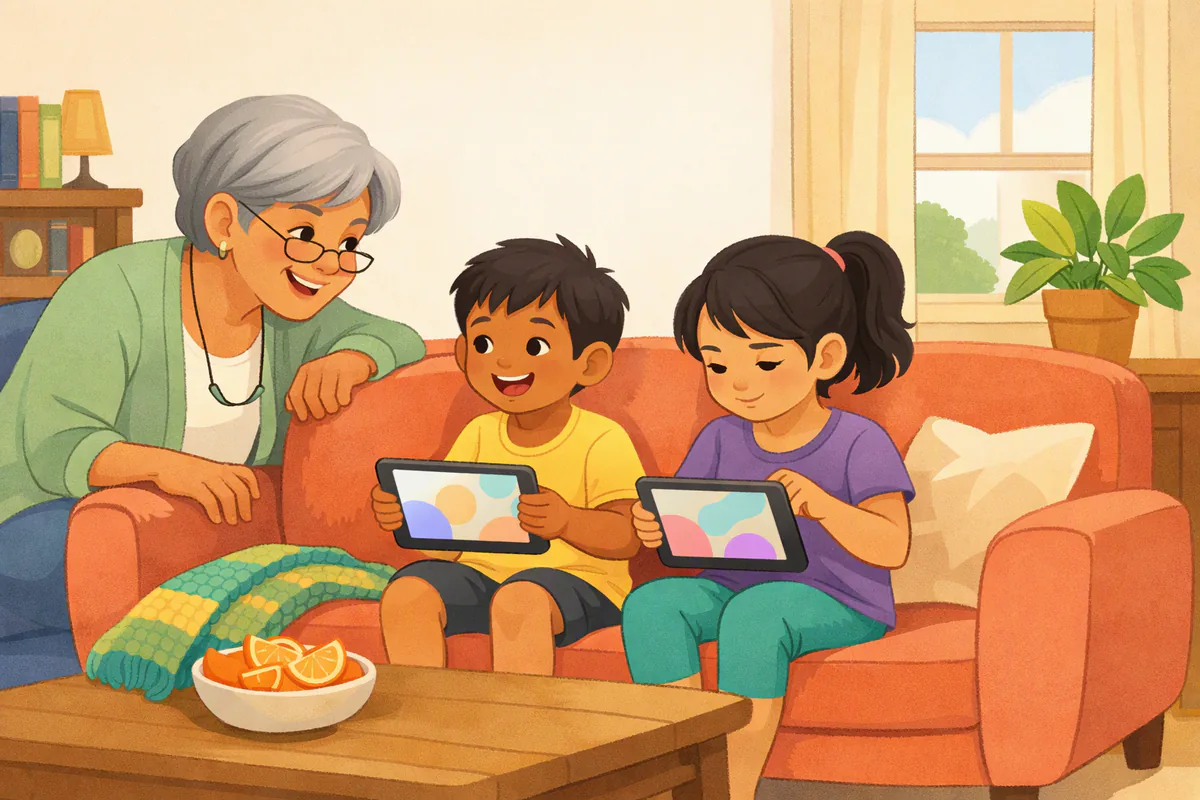
The best Spanish app for a child aged 4–9 is one that matches their reading level, keeps sessions short and asks them to listen and speak, not only tap. For pre-readers, look at apps built for young children such as Studycat, Dinolingo, Endless Spanish or Lumi Kids; for early readers, FabuLingua's story format and Gus on the Go's vocabulary lessons; Duolingo suits confident readers, with a parent nearby.
Below you'll find a comparison table with prices from the US App Store (checked October 5, 2026), what each app makes your child actually do, and a simple way to test two apps before you pay.
About this comparison. We make Lumi Kids, one of the apps in the table. To keep the comparison fair, we used only facts anyone can check on each app's App Store page (ages, prices, features as listed) and Common Sense Media's published age rating for Duolingo. Prices change; check the App Store before you buy.
Which Spanish apps for kids are worth comparing?
These are the apps that show up most when US parents search the App Store for Spanish for kids, plus Duolingo, which many families try first.
| App | Ages (as listed) | What your child does | Price (App Store US, Oct 5, 2026) |
|---|---|---|---|
| Studycat: Learn Spanish | 3–8 | Games and speaking challenges with voice recognition | Free download; $14.99 monthly or $59.99 yearly in-app |
| Dinolingo | 2–12 | Videos, games and speaking games (50 languages) | Free download; in-app plans from $6.99 to $199.99 |
| FabuLingua | Kids category, 6–8 | Interactive stories; records own reading | Free download; $11.99 monthly or $69.99 yearly |
| Gus on the Go: Spanish | Young beginners | About 90 words in lessons and games | $3.99 one-time |
| Endless Spanish | Young children | Word and sentence puzzles | Free to try (6 words); word packs in-app |
| Spanish School Bus | Pre-K to grade 6 | Vocabulary and verbs with games and music | Free download; in-app purchases $4.99–$49.99, including a monthly subscription |
| Duolingo | Rated 4+; Common Sense Media 11+ | Short lessons that rely on reading | Free with ads; Super Duolingo in-app from $9.99 |
| Lumi Kids | 4–9 | Exercises plus talking out loud with Lumi, an AI owl | First two levels free; Lumi Plus $14.99 a month or $119.99 a year |
Prices are listed in-app purchase options; the period (month or year) is shown where the App Store names it.
What should you look for in a Spanish app for kids?
Before comparing features, decide what job the app should do in your child's week. These five questions sort the options quickly:
- Does my child have to speak? Recognizing a word ("tap the perro") is easier than producing it ("say perro"). If you want your child to talk, choose an app that uses the microphone.
- Does it work without reading? Pre-readers need audio for every instruction. Apps that rely on reading text suit children from about 7–8.
- Is the session length right? A 4-year-old does best with a few minutes per activity. If an app keeps a young child going for 40 minutes, check whether the learning or the rewards are doing it.
- What does the App Store page say about ads and data? Look for "Contains: Advertising" and the App Privacy section.
- What happens when the free part ends? Know whether you face a subscription, a one-time unlock or a wall before your child gets attached.
How do the apps compare, one by one?
Studycat: Learn Spanish
Studycat's Spanish app is built for first-time learners aged 3–8. Children play games and take on speaking challenges; the listing describes on-device voice recognition ("VoicePlay") for the speaking part and says the app is ad-free. In-app options include $14.99 monthly and $59.99 yearly. A good fit for young beginners who like games, and one of the few kids' apps that asks for spoken answers.
Dinolingo
Dinolingo covers 50 languages for ages 2 to 12 with videos, games and speaking games in which the child taps the microphone and says the answer. The App Store lists several "Plus+" plans from $6.99 up to $199.99 and single-language courses (for example Spanish for Kids) at $19.99. Its strength is breadth: lots of content and many languages in one place. Check which plan covers what before buying.
FabuLingua
FabuLingua teaches Spanish through interactive stories and games. It sits in the App Store's Kids category for ages 6–8, and the listing describes listening and speaking practice in which children record themselves reading short chunks after the narrator. Monthly ($11.99) and yearly ($69.99) plans are listed. Good for early readers who love stories and are ready to see Spanish written down.
Gus on the Go: Spanish
Gus on the Go is a one-time purchase ($3.99) with nearly 90 Spanish words, ten activities and native-speaker audio across topics like animals, food, numbers and colors. There is no subscription to manage. It is a simple, focused vocabulary app: good as a first taste for young children, but it does not ask children to speak, and the content is limited to its word set.
Endless Spanish
From the makers of Endless Alphabet, Endless Spanish teaches frequent Spanish words with animated word and sentence puzzles and offers an English-translation mode. Six words are free to try, with word packs to buy. The listing has not been updated since August 2022, so check that it runs well on your device. Kids who love letters and puzzles enjoy it; it is about reading words rather than speaking them.
Spanish School Bus
Spanish School Bus covers vocabulary (more than 300 nouns, verbs and adjectives), numbers, colors, animals, food and verb forms, for pre-K through 6th grade and beyond. The listing describes a monthly subscription, and its in-app purchases range from $4.99 to $49.99 (including a $7.99 combo pack and a $49.99 "Lifelong Learner" option). Words come with audio for repetition; the listing does not describe interactive speaking practice. Useful for older kids who want structured vocabulary and verbs.
Duolingo
Duolingo is the app many parents already know. It is free with ads, rated 4+ on the App Store, and its listing says it contains advertising and messaging and chat; Super Duolingo removes ads, with in-app prices from $9.99. Common Sense Media recommends it for ages 11+ and describes it as excellent for middle schoolers and older kids. Lessons rely on reading, so it suits confident readers. Our article Is Duolingo good for kids? goes deeper, including why Duolingo ABC is not a Spanish app.
Lumi Kids
Lumi Kids is an iPhone and iPad app for ages 4–9. Lumi, an AI owl, explains in English while your child learns Spanish (or one of nine other languages) through short worlds of at least six exercises each: learn, listen and tap, card match, true or false, listen in order and talking with Lumi out loud. The first two levels and 60 seconds of live talk are free. Lumi Plus, an auto-renewing subscription ($14.99 a month or $119.99 a year; the yearly plan starts with a 7-day free trial for new subscribers), unlocks the last two levels and 10 minutes of live talk a week; one-off minute packs add talk time and unlock no levels. There is no account and no ads, the app doesn't record or store your child's voice, and a parent zone sets a daily live-talk limit and shows a weekly report. More about the app.
What do free Spanish apps for kids really include?
"Free" usually means a free start, not a free course. Here is what each free tier gives in practice:
| App | What you can use without paying |
|---|---|
| Studycat, Dinolingo, FabuLingua | Free download; full access with a subscription (check the free part in the app) |
| Endless Spanish | 6 words, then word packs |
| Spanish School Bus | Some content; the rest with in-app purchases |
| Duolingo | The course, with ads; Super Duolingo removes them |
| Lumi Kids | The first two levels and 60 seconds of live talk |
A free tier is enough to answer the only question that matters at the start: will your child use it? Run the test below before you buy anything.
Which app fits which child?
| Your child | Look for | Apps to try first |
|---|---|---|
| 4–5, not reading yet | Audio for everything, short activities, speaking | Studycat, Dinolingo, Lumi Kids |
| 6–7, early reader | Stories, simple words on screen, speaking practice | FabuLingua, Studycat, Lumi Kids |
| 8–9, confident reader | Longer sessions, sentences, some grammar | Spanish School Bus, Lumi Kids, Duolingo with a parent |
| Shy speaker | Private speaking practice before speaking to people | Apps with voice recognition or live talk |
| Already hears Spanish at home | Speaking and reading, not first words | Story apps, speaking apps, books |
Whatever you choose, an app works best as one part of your child's Spanish, next to songs, books and people. Our guide on how to teach your child Spanish at home shows how to fit an app into a 15-minute daily routine.
How can you test a Spanish app in 10 minutes?
Before paying, give each candidate a short, honest test with your child:
- Hand over the device without instructions. Can your child start alone, or do they need you at every step?
- Listen. Is your child asked to say anything out loud, or only to tap?
- Watch the clock. Does engagement last 5–10 minutes without you prompting?
- Notice interruptions. Do ads, paywalls or "ask a parent" screens break the flow?
- Ask afterwards: "Do you want to play this again tomorrow?" That answer tells you more than any review.
Our broader guide to the best language learning apps for kids explains the same test in detail, our Spanish for kids page shows the first words children meet, and you can practice the words your child meets in any app with our Spanish words for kids pages and free printables.
The bottom line
There is no single best Spanish app for every child. For young pre-readers, choose an app made for their age that uses audio for everything and asks them to speak. For early readers, stories add a lot. For confident readers, broader apps like Duolingo can work with a parent nearby. Try two for a week each, keep the one your child asks for, and surround it with a little real Spanish every day.
Frequently asked questions
What is the best free Spanish app for kids?
Most Spanish apps for kids are free to download but unlock only part of the content for free. In our comparison, every app except Gus on the Go is free to download; how much you can use before paying varies, from a handful of words (Endless Spanish starts with 6) to whole levels (Lumi Kids keeps its first two levels free). Duolingo's Spanish course is free with ads but is designed for a general audience, not for young children.
Is Duolingo good for kids learning Spanish?
It can be for confident readers around 9 and up, with a parent nearby. Duolingo is rated 4+ on the App Store, but Common Sense Media recommends it for ages 11+, and the free version contains ads and a chat feature. Our article Is Duolingo good for kids? covers ages, costs and alternatives in detail.
What is the best Spanish app for a 4-year-old?
For a 4-year-old, pick an app that works without reading, keeps activities short and uses audio for every instruction. Look at how the app is listed: Studycat says it is for ages 3–8, Dinolingo for 2–12 and Lumi Kids for 4–9. Sit with your child for the first sessions and stop while it is still fun.
Do Spanish apps for kids teach speaking?
Some do and some don't. Studycat uses on-device voice recognition for speaking challenges, Dinolingo has speaking games with the microphone, FabuLingua lets children record themselves reading, and Lumi Kids asks children to answer out loud and talk with Lumi. Vocabulary apps such as Gus on the Go and Spanish School Bus focus on listening and recognition.
Should I choose a subscription or a one-time purchase?
A one-time purchase (Gus on the Go) gives a fixed amount of content with nothing to cancel. A subscription (Studycat, Dinolingo, FabuLingua, Lumi Plus) usually covers more content and is updated, but it renews until you cancel in your App Store settings. Decide after a free trial period, not before.
How much screen time should a Spanish app take?
For young children a few focused minutes a day is enough; the World Health Organization advises no more than one hour of sedentary screen time a day for 3- and 4-year-olds. An app works best as one part of the day's Spanish, next to songs, books and conversation.
Are these apps safe for kids?
Check three things on each App Store page: whether the app contains ads, what the App Privacy section says about data used to track your child, and whether there is chat. Duolingo's listing, for example, says it contains advertising and messaging and chat. Use your device's parental controls to block purchases.
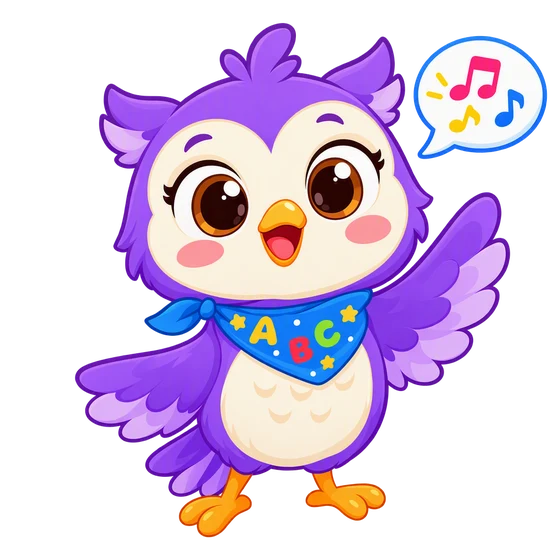
In the Lumi Kids app, Lumi the AI owl talks with your child, corrects gently and hands out stars. Ages 4–9, no ads. The first two levels and the first minute of live conversation are free.
Download on the App Store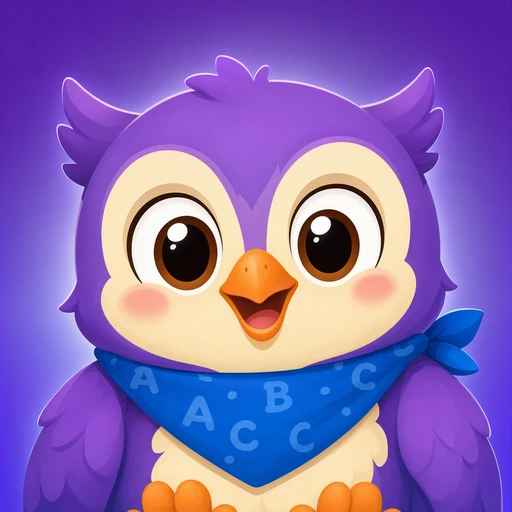
The team behind Lumi Kids. Articles are written using published research on early-childhood language acquisition and the curriculum built into the app, and are reviewed and updated over time. Questions or corrections: hello@lumikids.live