Languages for Kids
First words in Spanish, French, Mandarin and seven more languages, with Lumi's voice and a say-it guide.
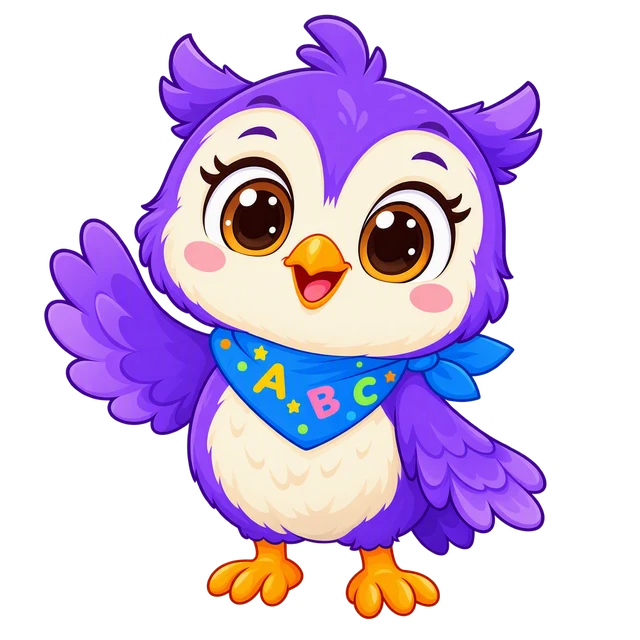
Your child learns a new language by listening, speaking and playing with Lumi, a cheerful owl. For ages 4–12, with explanations in your home language. Free to download, and the first two levels are free in every language.


Name on the App Store and Google Play: Lumi Kids: Learn Languages · developer: AppFusion Labs
 +1 star
Lumi is listening
+1 star
Lumi is listening
Pages you can use with or without the app: first words in ten languages with Lumi's voice, Spanish words by topic, free printable worksheets, and honest guides on starting age, school and screen time.
First words in Spanish, French, Mandarin and seven more languages, with Lumi's voice and a say-it guide.
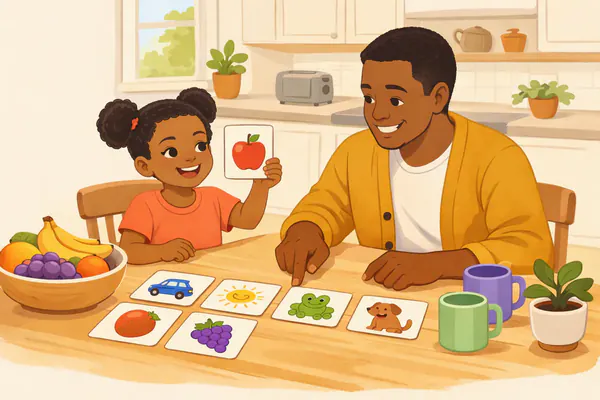
Spanish words by topic, each with its English meaning, a say-it guide and audio.
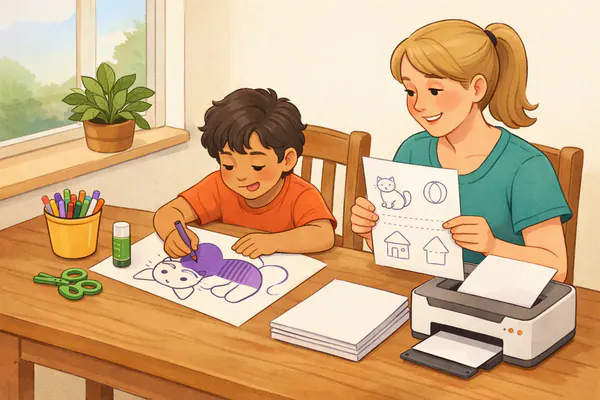
Free PDFs: Spanish worksheets, first-words lists and coloring pages.
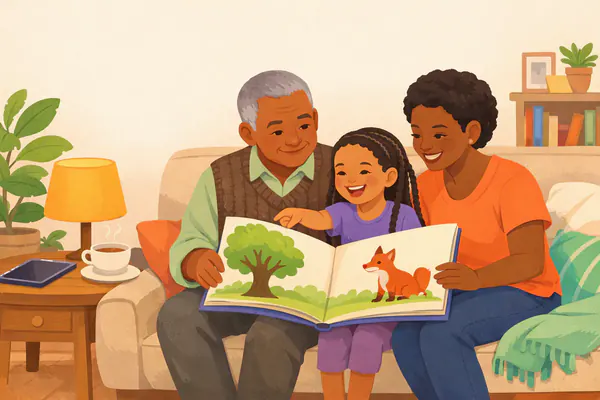
When to start, teaching a language you don't speak, bilingual families and screen time.
Languages in US elementary schools, immersion programs, homeschool plans and UK key stage 2.
Kids' language apps and classes side by side, with dated prices.
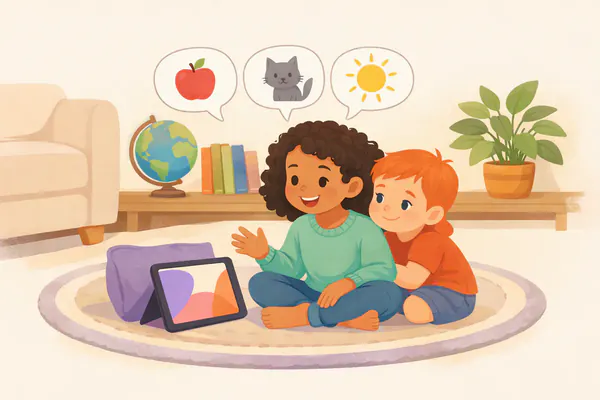
Most apps ask a child to tap the right box. Lumi Kids asks them to speak: Lumi asks a question, listens and answers straight away, like a real conversation. Lumi is an AI; the app tells you so before you turn live talk on.
Real clips from the app, in English. Lumi speaks the other 10 languages with the same voice: hear them on the language pages.

Give your permission as a parent, then pick your child's name, age and the language to learn. No account or e-mail needed.
In the first world of the Seed level your child listens, taps and says the words in their own voice; every right answer earns a star.
Once you allow it, your child talks with Lumi for the first time. The first 60 seconds are free; live talk stays off until you turn it on.
The same words come back by listening, tapping, matching and speaking; higher levels add sentence building, stories and role play. The next day the “Daily Review” brings them back again — that is how words stick.
Tap the picture, hear the word and an example sentence in Lumi's clear voice.
Lumi says a word, the child finds the matching picture.
A memory game pairing picture with word — every card speaks.
Listen to the sentence: does the picture match? Tick or cross.
Lumi says the words, the child taps them in the same order.
Live conversation: Lumi asks, the child answers out loud.
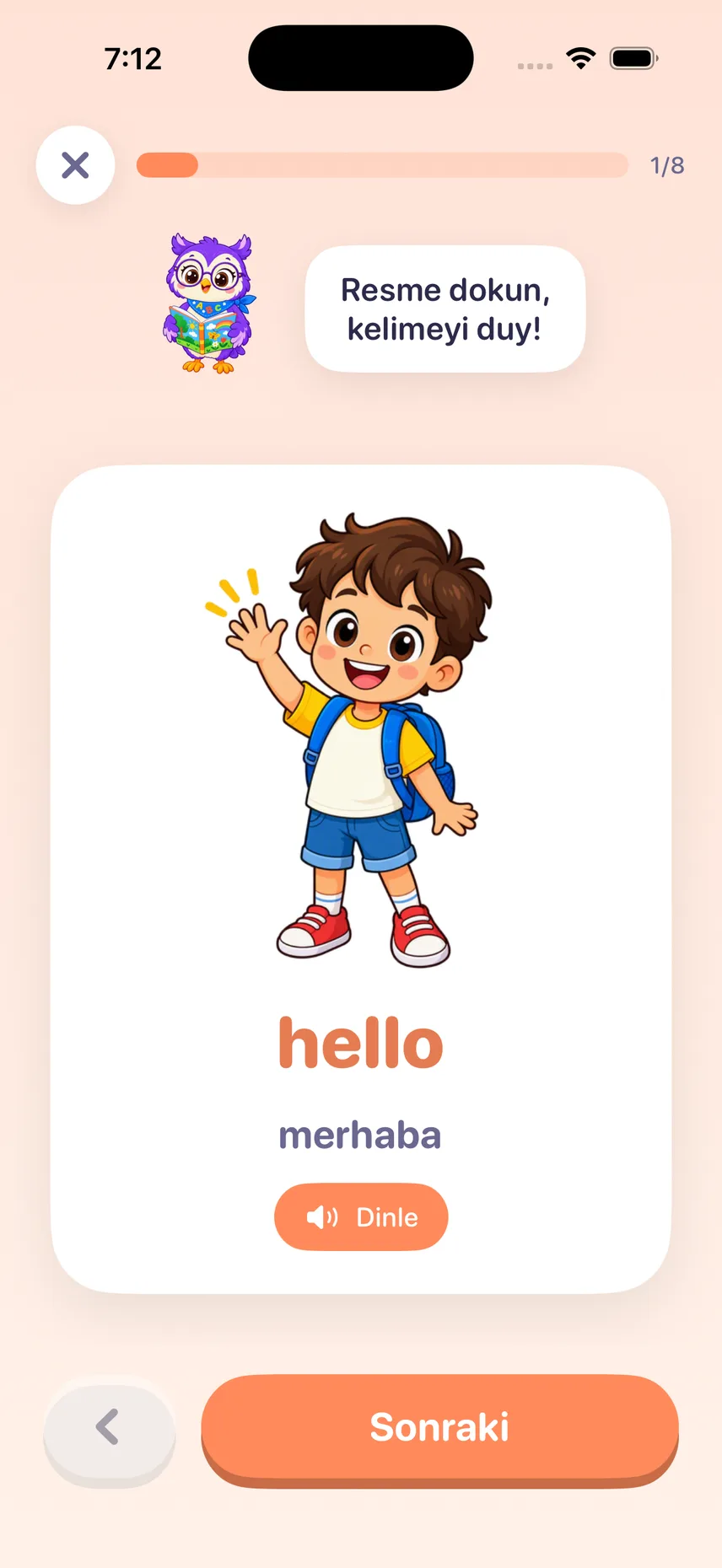
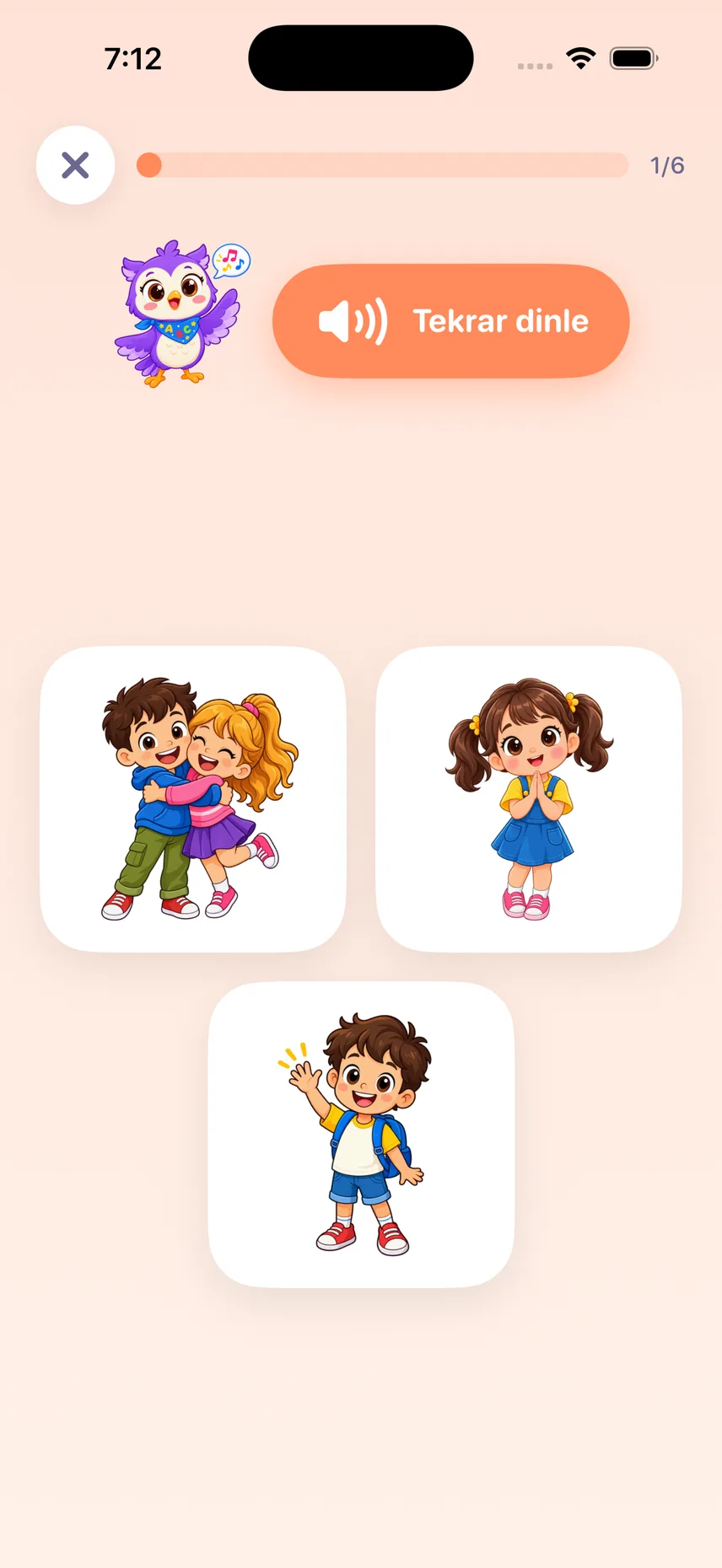
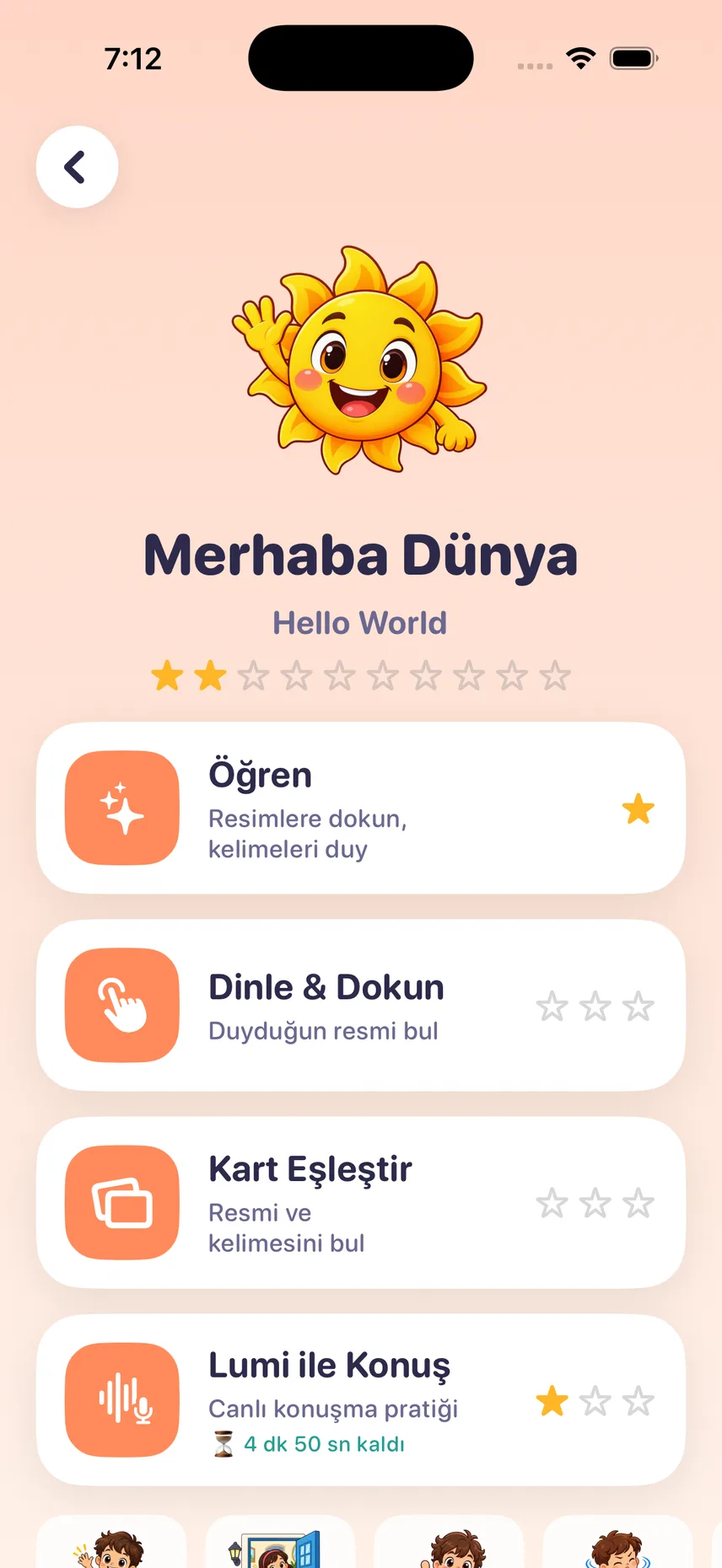
The order is built for small children: it starts with saying hello and ends with the toys in their own room. Every world has at least six exercises, from listening and matching to talking with Lumi.






The first two levels are free: Seed (pre-A1) ships inside the app and works offline, Sprout (pre-A1, 16 worlds) downloads inside the app. Sapling (A1, 24 worlds with stories, role-play and first grammar) and Tree (A2, 24 worlds with past and future tenses, comparisons and fairy tales) unlock with Lumi Plus and download inside the app.
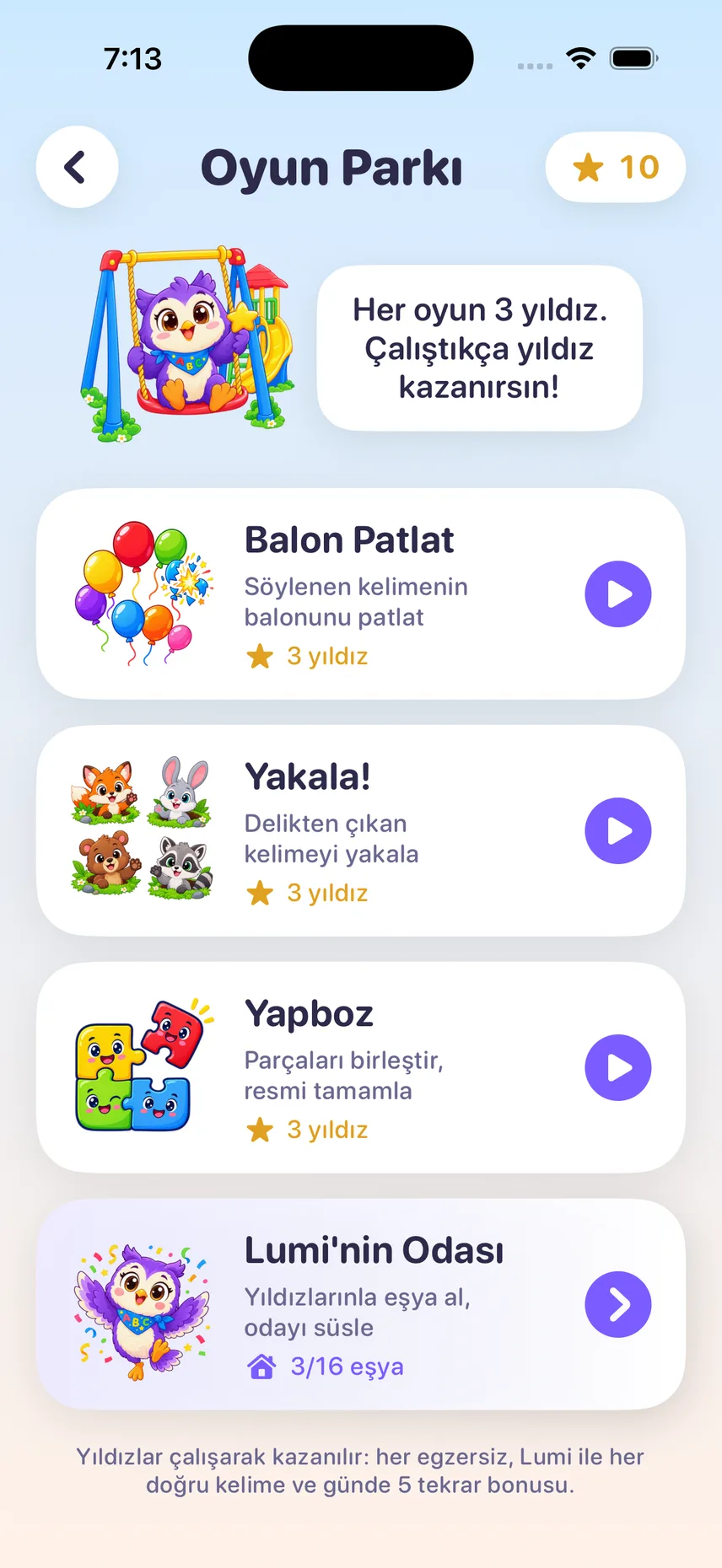
Instead of rewarding screen time we reward learning. Children earn stars from exercises and from talking with Lumi, then spend them on mini games or on decorating Lumi’s house.

Pop the balloon with the spoken word

Catch the word that pops out of the hole
Fit the pieces, complete the picture
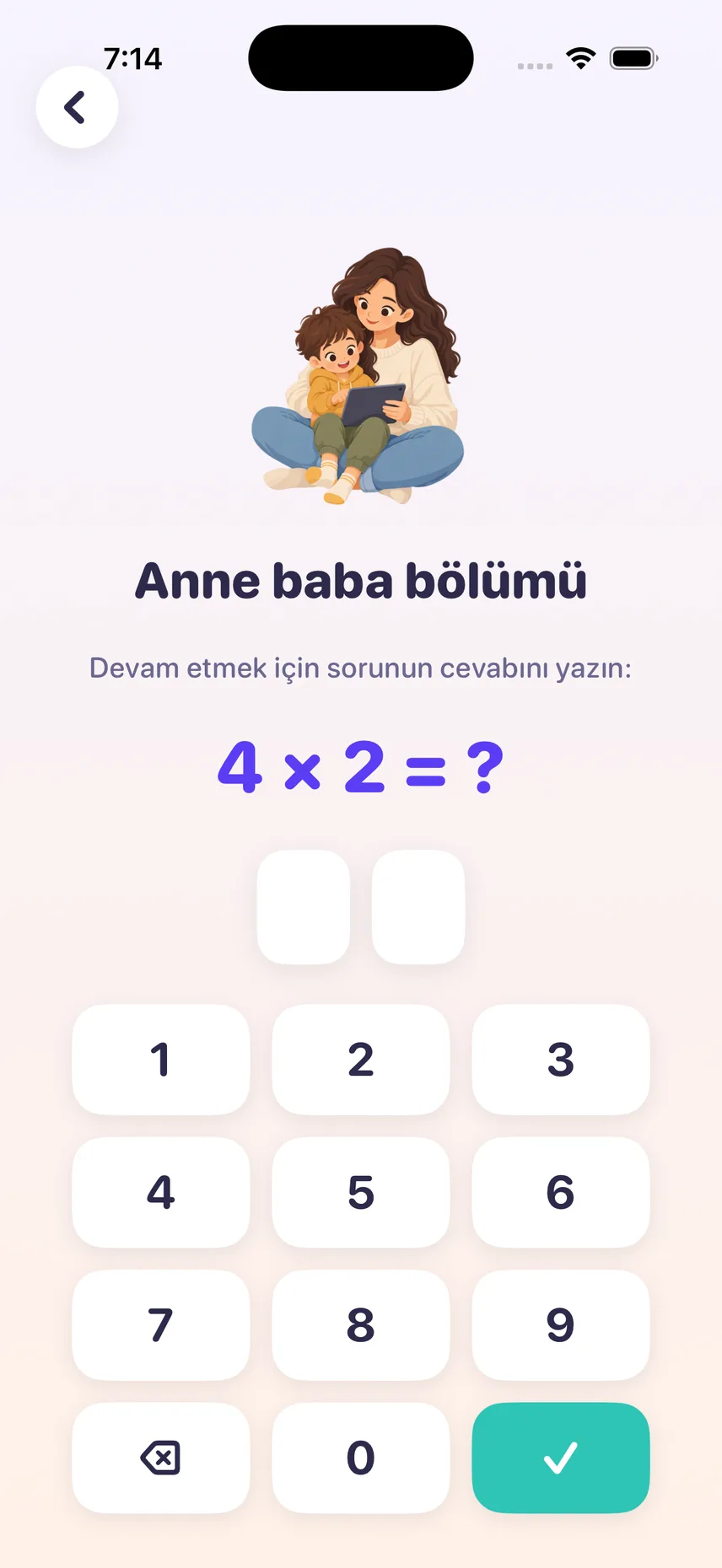
The parent zone sits behind a multiplication question or a PIN you set. Children cannot walk in on their own.
The app's lessons, games and voice clips are already on the device. Lumi Plus unlocks Sapling and Tree and adds 10 minutes of live talk with Lumi every week; top-up minute packs add extra talk time that never expires.
The first two levels (Seed and Sprout, 24 worlds) are free in every language, plus 60 seconds of live talk. No card details required.
US App Store prices; the App Store shows your local currency and Apple charges it. Lumi Plus is an auto-renewing subscription: cancel at least 24 hours before the period ends in your App Store account settings. Minutes are used second by second only while talking live with Lumi; lessons, games and reviews never use them.

Lumi Kids is on Google Play for Android phones and tablets (Android 8.0 or later), with the same levels, games and live talk.
Anything else on your mind? Write to hello@lumikids.live
Lumi is not a person but an AI voice tutor built for children. The app tells you so before you turn live talk on, and live talk stays off until you do. In live talk your child speaks, and Lumi answers instantly and corrects gently. What happens to your child’s voice: Privacy Policy.
No. The first level, Seed, is built for complete beginners: single words, short sentences and a lot of repetition. Lumi explains in your family’s own language and says the new words in the language your child is learning.
The app is made for ages 4–12. No reading is required. For ages 4–5 an adult should stay nearby while your child talks live with Lumi.
Lessons, voices, games and reviews work offline. The Seed level comes with the app; the other levels download once. Only live talk with Lumi needs an internet connection.
In the parent zone you set the daily live-talk limit between 5 and 60 minutes (20 by default). The time only runs while your child is talking live with Lumi.
Up to 4 child profiles on one device, each with its own language, age and progress. Talk minutes are shared by the profiles on that device.
If your family speaks English at home, one of 10: Spanish, French, Mandarin Chinese (traditional characters), German, Japanese, Italian, Arabic, Portuguese (Brazil), Korean or Turkish; each has a page with its first words and Lumi's voice under languages for kids. Families with another home language, Turkish for example, can choose English as well. The curriculum and the live conversation with Lumi are the same in every language; the language can be changed later, and progress is kept separately per language.
Lumi Plus is an auto-renewing subscription: it unlocks the Sapling and Tree levels and adds 10 minutes of live talk every week, renewed every Monday. Choose monthly or yearly; the yearly plan starts with a 7-day free trial for new subscribers. Apple shows the price in your currency. You cancel in your App Store account settings; the subscription renews unless you cancel at least 24 hours before the period ends.
When to start, how to teach a language you don’t speak, raising a bilingual child, and language apps and classes compared: practical answers with sources.

Download the app for free from the App Store or Google Play: the first two levels (24 worlds) are free in every language. For ages 4–12, on iPhone and iPad (iOS 17 or later) and Android (8.0 or later).
Name on the App Store and Google Play: Lumi Kids: Learn Languages · developer: AppFusion Labs


Point your phone's camera at your store's code and the app's page opens.
The app's download page: QR code, requirements and questions