 Lumi Kids
Download Lumi Kids
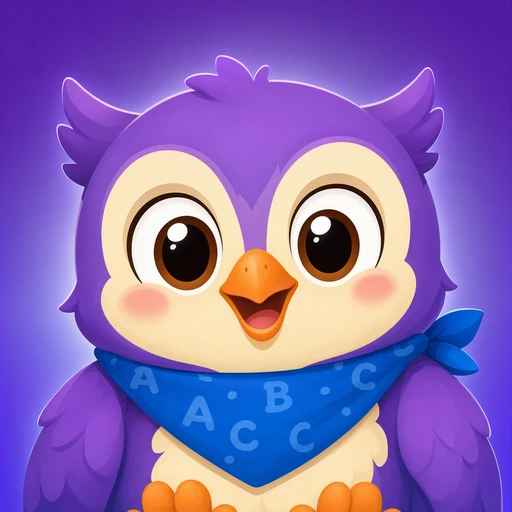
Your child learns a new language by listening, speaking and playing with Lumi, a cheerful owl. For ages 4–9, with explanations in your home language. Free to download, and the first two levels are free in every language.

Name on the App Store: Lumi Kids: Learn Languages · developer: AppFusion Labs

Point your iPhone or iPad camera at this code and the app's page opens in the App Store.
What's in the app
Listen first, then speak
Lumi reads every word, phrase and story aloud with clear pronunciation. Children tap what they hear, say it in their own voice and build sentences from tiles.
Live conversations with Lumi
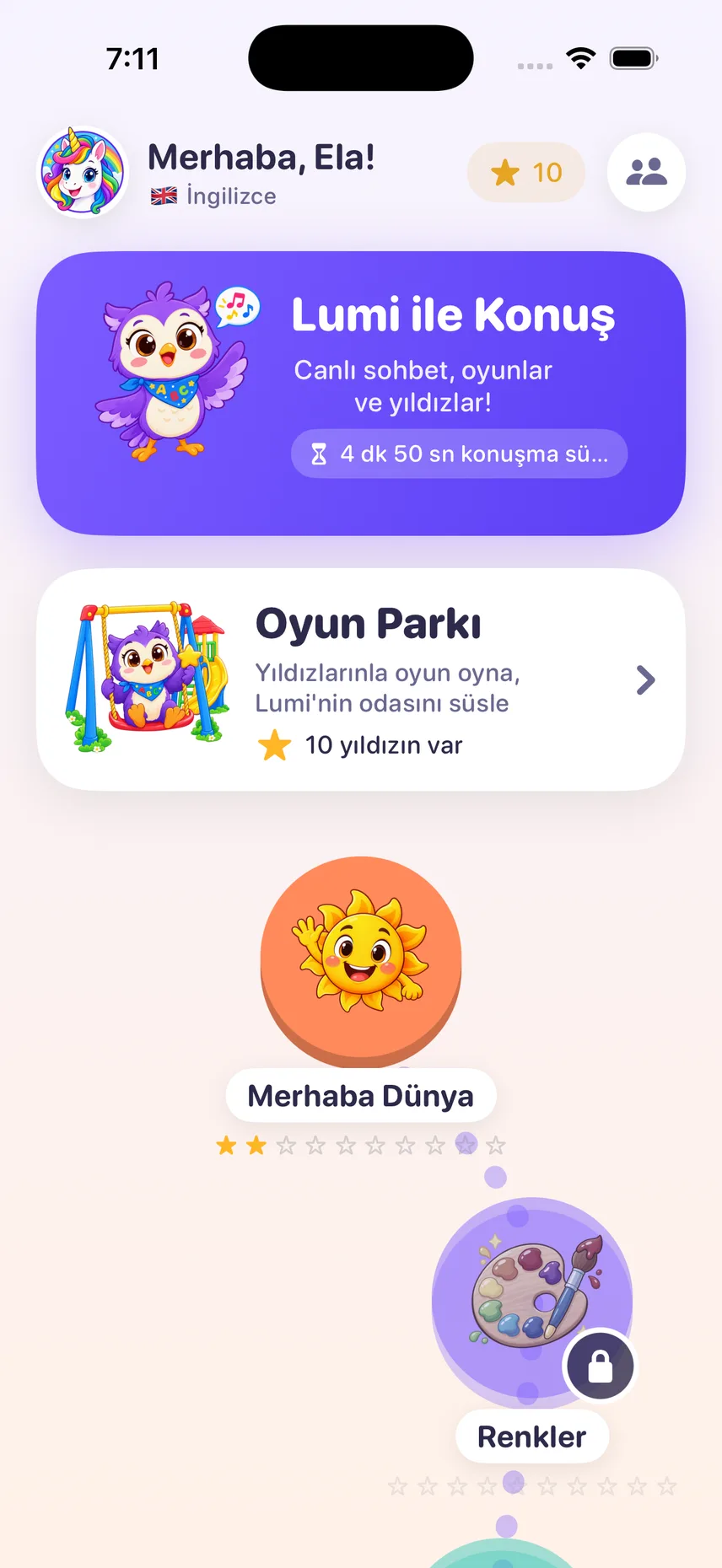
With your permission, your child talks with Lumi in real time. Lumi replies in the new language and helps in your home language when your child gets stuck. The first minute is free.
Four levels, 72 islands
Seed, Sprout, Sapling and Tree take children from first words to short conversations. Every island ends with stars, every level with a test and a certificate.
Play Park and a home of their own
Words come back in Balloon Pop, Catch! and Jigsaw. Stars earned on the journey decorate a bedroom, a playroom and a garden, with a treasure hunt in the new language.
10 languages, 16 home languages
Spanish, French, German, Japanese, Korean, Italian, Chinese (Traditional), Portuguese, Arabic or Turkish. Lumi explains in the language you speak at home.
Made for children
No account, no ads, no subscription, no tracking. Purchases and links sit behind a parental gate.
The first ten minutes
Open the app
Give your permission as a parent, then pick your child's name, age and the language to learn. No account or e-mail needed.
The first island
On the first island of the Seed level your child listens, taps and says the words in their own voice; every right answer earns a star.
Meet Lumi
Once you allow it, your child talks with Lumi for the first time. The first 60 seconds are free; live talk stays off until you turn it on.
In the app: one-off packs of talking minutes
Every lesson, game and voice clip of the app is already on the device. The packs are for live conversation with Lumi, the AI owl: the minutes you buy simply wait until they are used, with no monthly charge.
🎁Try it before you buy
The first two levels (Tohum and Filiz, “Seed” and “Sprout”, 24 worlds) are free in every language, plus 60 seconds of live talk. No card details required.
- Unlocks all 72 worlds
- Never expires
- One-off payment
- Unlocks all 72 worlds
- Never expires
- You set the daily limit
- Unlocks all 72 worlds
- Never expires
- Siblings share one pack
Prices are shown in your local currency in the App Store and charged by Apple. Buying any pack permanently unlocks all 4 levels (72 worlds). Minutes are used second by second while talking live with Lumi; lessons, games and reviews never use them.
You stay in charge
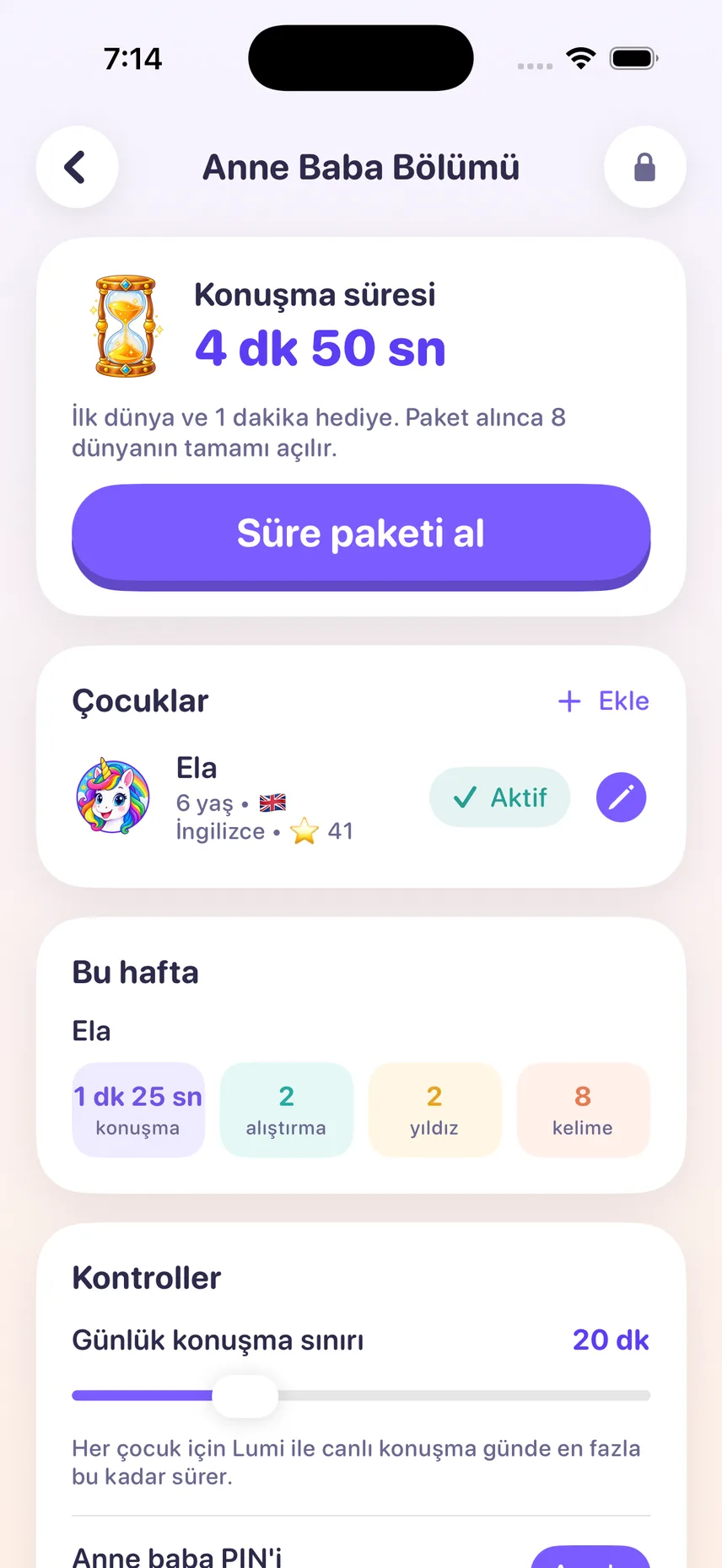
- A parent area protected by a PIN or a maths question
- A daily limit for live talk
- A weekly report: talking time, exercises, stars and the words practised
- Up to four child profiles on one device
- Live talk stays off until you turn it on
- Delete all app data with one tap
Live lessons in the browser too (ages 4–12)
A separate product: live voice lessons of 15 or 30 minutes with Lumi, on a weekly plan, with a short report for you after each lesson. Works on computers, tablets and Android phones as well.
Join the listQuestions parents ask
Is Lumi Kids free?
It is free to download. The first two levels (Seed and Sprout, 24 islands) are free in every language, plus 60 seconds of live talk with Lumi. The Sapling and Tree levels and more live talking time come with one-off minute packs; there is no subscription and nothing renews.
Which devices does it run on?
iPhone and iPad with iOS 17 or later. There is no Android app for now; the live lessons in the browser also work on Android phones and tablets.
How do I find it on the App Store?
Tap the App Store button on this page, or search the App Store for the full name Lumi Kids: Learn Languages. Other apps called “Lumi Kids” exist; ours is made by AppFusion Labs.
Do I need an account or an e-mail address?
No. The app asks for no account and no e-mail; there are no ads, no subscription and no tracking. Purchases go through Apple and sit behind the parental gate.
What happens to my child's voice in live talk?
Lumi Kids does not record or store your child's voice. During live talk the audio is streamed to our AI provider OpenAI; it is not used for training, and OpenAI may keep it for up to 30 days to detect abuse. Live talk stays off until you turn it on. Details in the privacy policy.
How is the app different from the lessons in the browser?
The app (ages 4–9) offers self-paced word islands, games and short live chats with Lumi, paid with one-off minute packs. The browser lessons (ages 4–12) are live voice lessons of 15 or 30 minutes on a weekly plan. They are separate products.
Questions? Support or hello@lumikids.live