Lumi Kids
Best Language Learning Apps for Kids in 2026: Parent's Guide
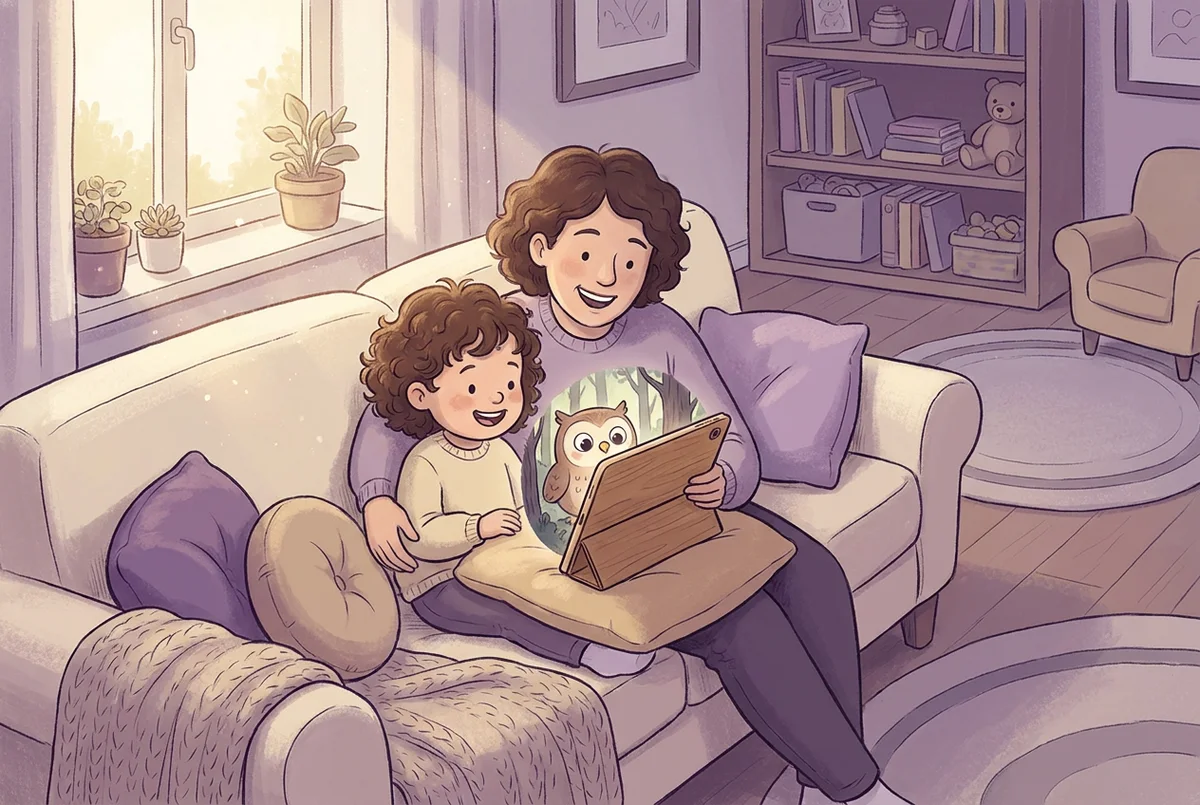
The best language learning apps for kids are the ones a child actually asks to open again tomorrow: they involve real speaking practice instead of only tapping the right picture, they respect a young child's attention span with short sessions, and they give a parent visibility and control without locking the whole experience behind a subscription the family forgets to cancel.
That sounds simple, but the app store search results don't make it simple. Type "learning app for kids" or "Spanish for kids app" into the App Store or Google, and you'll get a wall of nearly identical thumbnails: cartoon animals, five-star ratings, and marketing copy that all promises the same thing. This guide is meant to cut through that by giving you the criteria to judge any app yourself, plus a realistic picture of what free, paid, Spanish-focused, and English-focused options actually look like in 2026. For named apps, see our comparisons by language further down, our Spanish app comparison with dated prices, and our look at whether Duolingo is good for kids.
What Should Parents Actually Look For in a Language App for a Child Aged 4–12?
Before comparing pricing or features, it helps to separate what actually predicts whether a child sticks with an app from what just sounds good in a product description.
Here's what tends to matter in practice:
- Does it ask the child to speak, or only to tap? Recognizing a word ("point to the cat") is a much easier skill than producing it ("say cat"). If your goal is real language use — ordering food, greeting a grandparent, following along on a trip — speaking practice matters more than matching games, even though matching games are easier to build and more common.
- Is the session length matched to the child's age? A 4-year-old's focused attention for one activity is short; a session that naturally wraps up in 5–10 minutes works with that, not against it. If an app keeps a 5-year-old engaged for 40 minutes straight, check whether it is the learning or the reward loops doing it.
- Are there ads, and who are they aimed at? Ads inside a children's app are worth checking closely — not just whether they exist, but whether tapping one takes your child somewhere you didn't choose.
- Can a parent see what's happening without hovering? A weekly summary, time limit, or activity log lets you stay informed without sitting next to your child for every session.
- Does the pricing page tell you the truth up front? You should be able to find out, before downloading, whether it's a subscription, a one-time purchase, or ad-supported — and what exactly unlocks at each tier.
None of these require you to know anything about language pedagogy. They're closer to what you'd check before letting your child use any new app.
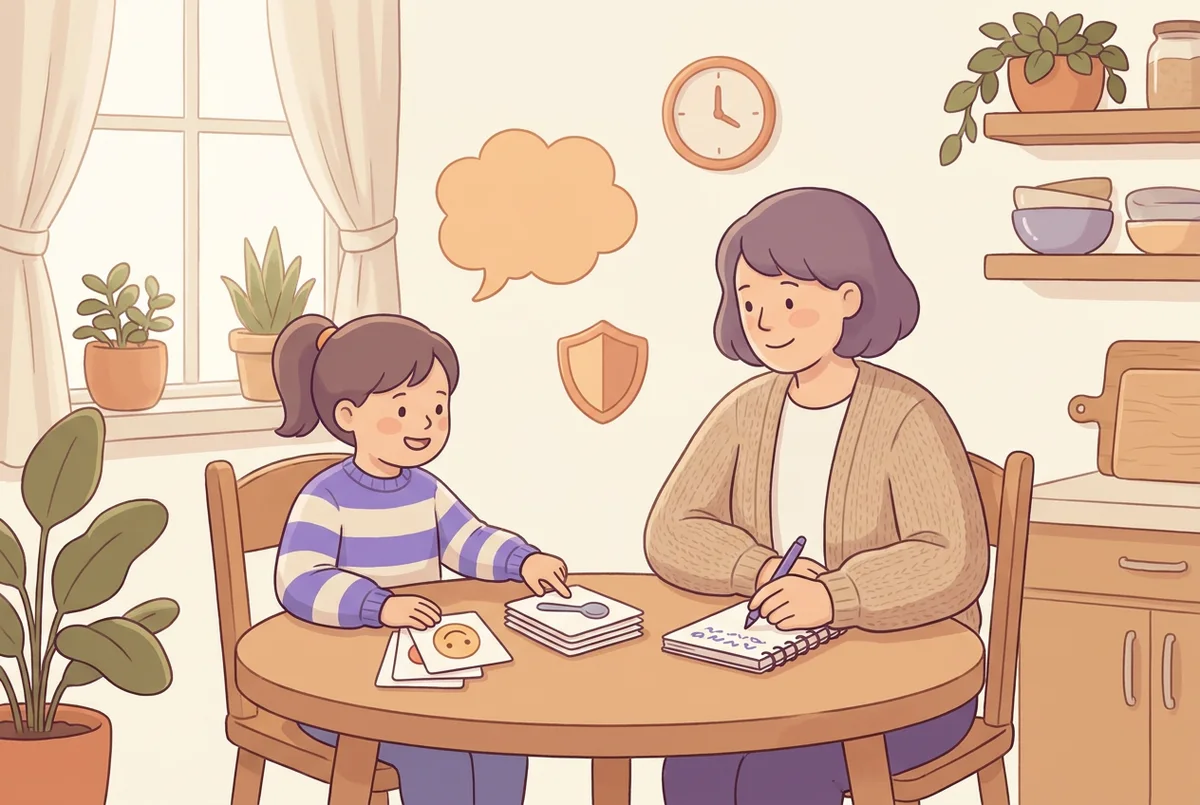
Free Language Apps for Kids: What's Actually Included at No Cost?
"Free" is doing a lot of work in searches like "learning for kids app free" or "spanish for kids free," so it's worth being specific about what free usually buys you.
| What "free" usually means | What's typically included | What's usually locked |
|---|---|---|
| Free with ads | Basic vocabulary, a handful of lessons | Ad-free experience, most of the curriculum |
| Freemium (subscription upsell) | First unit or first level | Everything past level 1, offline access, progress reports |
| Time-limited free trial | Full app for a set number of days | Renewal converts to a paid subscription automatically |
| Genuinely free, ad-free | A small, fixed set of content that never expands | New content, live or spoken practice, multiple child profiles |
None of these are wrong, but they answer different questions. If you want to test whether your specific child will actually use an app before spending anything, a free trial or a small free tier is enough to find out. If you're trying to build a full year of practice without paying anything at all, most apps won't get you there — the free tier is designed to be a preview, not a substitute for the paid product.
Is There a Difference Between Apps for Learning Spanish and Apps for Learning English?
Both show up constantly in the same "language app for kids" searches, but the parent behind each search is usually solving a different problem.
Before high school, U.S. schools teach Spanish far more often than any other language. In a January 2024 federal survey, 20% of public elementary schools offered a world-language class; Spanish was taught in 16% of them, French and Chinese in 1% each (ACTFL report on NCES data, March 2026). So when a U.S. parent searches for a language app, they are often looking either for something to reinforce Spanish their child meets at school, or for a start in a language the school doesn't offer at all.
"English for kids" searches, on the other hand, usually come from a different starting point: a multilingual household, a family that recently moved to an English-speaking country, or a parent abroad who wants their child to have a head start before school. The core criteria — speaking practice, session length, parental controls — are identical either way. What changes is the starting vocabulary and how much the app can assume the child already knows from daily exposure. A U.S. child hearing Spanish only in a 30-minute weekly class needs more repetition support than a child in a Spanish-speaking household; an English learner living in an English-speaking city needs less vocabulary support than one learning it as a fully foreign language.
How Do the Main Types of Kids' Language Apps Compare?
Which named apps are worth a look depends on the language your child learns, so we compare those language by language below. Here are the categories most language apps for kids fall into.
| Type | What it's best at | What it's weak at | Speaking practice |
|---|---|---|---|
| Flashcard / worksheet-style app | Building recognition of specific words fast | Gets repetitive; little real conversation | Little to none |
| Video & cartoon-based app | Holding attention, exposing kids to natural rhythm and tone | Passive; a child can "watch" without producing anything | None |
| Gamified tap-and-match app | Turning repetition into something that feels like play | Rewards speed and lucky guessing over actual recall | Little to none |
| Live or AI conversation app | Requiring the child to actually say the word or answer a question | Needs a working microphone and a bit more parental setup | Core feature |
None of these categories is automatically better for every family. A pre-reader who melts down at anything that feels like "school" may do best starting with a video or game-based app to build comfort, then moving to something that asks for spoken answers once they're used to the routine.
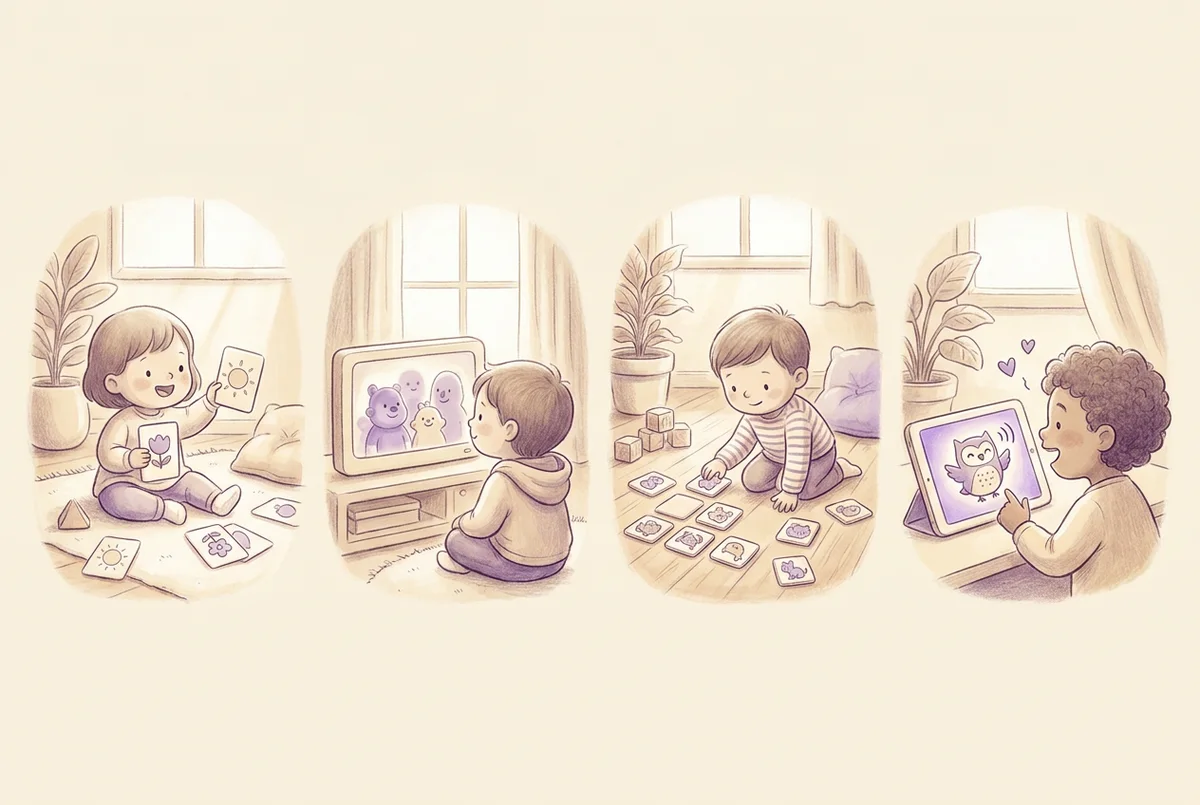
Compare Apps for Each Language
For every language Lumi Kids teaches, we compared the apps children use to learn it. Each comparison lists only what the provider states on its own website or store listing (ages, speaking practice, whether reading is needed, format and pricing model, with no prices or ratings) and explains which kind of app fits which age:
- Best Spanish apps for kids: toddler videos, word games and speaking apps, plus Latin American versus European Spanish.
- Best French apps for kids: why audio comes before text in a language full of silent letters, and which apps have French speaking practice.
- Best Mandarin apps for kids: tones, simplified or traditional characters, pinyin, and live online teachers.
- Best German apps for kids: learning der, die and das with every noun, and how few German apps reach older kids.
- Best Japanese apps for kids: spoken-Japanese apps versus apps for hiragana, katakana and kanji.
- Best Italian apps for kids: a smaller field, with ideas for families keeping a grandparent's Italian.
- Best Arabic apps for kids: Modern Standard Arabic or dialect, alphabet apps, reading libraries and ads.
- Best Portuguese apps for kids: Brazilian or European Portuguese, and the few apps that ask children to speak.
- Best Korean apps for kids: Hangul apps, speaking apps, and an app for families moving to Korea.
- Best Turkish apps for kids: reading apps for heritage families and speaking apps for beginners.
Lumi Kids appears in each of these tables as one app among several, marked as ours.
How Much Should You Expect to Pay?
Pricing for kids' language apps generally falls into three models: ad-supported free, a recurring subscription (weekly, monthly, or annual), or a one-time purchase. Some apps combine them.
The subscription model is the most common, mainly because it gives the app ongoing revenue to keep adding content. The trade-off for a parent is the classic subscription problem: a family that stops using an app but forgets to cancel keeps paying for it, so note the renewal date and cancel in your App Store settings if your child stops using it. A one-time purchase avoids that specific risk: you pay once for a defined amount of content, and nothing renews afterward.
| Pricing model | How it works | Best for | Main risk |
|---|---|---|---|
| Ad-supported, free | No payment; ads fund the app | Testing whether your child likes the format at all | Ads aimed at children; limited content |
| Recurring subscription | Weekly, monthly, or annual auto-renewing charge | Families who want continuously updated content | Paying after your child has stopped using it |
| One-time purchase | A single payment unlocks a fixed amount of content or time | Families who want a defined cost with nothing to cancel | Content or conversation time is finite until you buy more |
Lumi Kids combines a subscription with one-time packs. It's an iPhone, iPad and Android app for children ages 4–12 where Lumi, an AI owl, explains everything in the family's own language (16 home languages are supported); a child from an English-speaking family learns one of 10 languages, including Spanish, French and Mandarin, across 72 worlds in four levels. The first two levels are free. Lumi Plus, an auto-renewing subscription ($14.99 a month or $119.99 a year on the US App Store, checked October 5, 2026; the yearly plan starts with a 7-day free trial for new subscribers), unlocks the last two levels and adds 10 minutes of live conversation with Lumi every week. One-time talk-minute packs add extra talk time that never expires; they don't unlock levels. 60 seconds of live conversation are free to try once a parent turns the feature on. There's no account, no ads, and no tracking, and a parent-only area lets you set a daily live-talk limit and see a weekly report of talk time, exercises, stars, and words practiced.
Whichever pricing model you choose, the question worth asking isn't "is this expensive?" but "if we stopped paying today, what would my child keep, and what would disappear?"
A Simple 10-Minute Test You Can Run Before You Commit to Any App
Marketing screenshots and app store descriptions all look similar. A short hands-on test tells you more than either one.
- Hand your child the phone or tablet with no instructions. Watch whether they can get started on their own or immediately look to you for help — that tells you if the age rating matches reality.
- Time how long they stay engaged without you prompting them. If it's under two minutes, the content or format probably isn't landing for that specific child, regardless of reviews.
- Listen for whether the app asks them to say anything out loud. If every interaction is a tap, you're testing a recognition app, not a speaking app — decide if that's what you actually want.
- Check what happens at the two-minute mark. Does a paywall, ad, or "ask a parent" prompt interrupt the session? That tells you how the free tier is really structured.
- Ask your child afterward if they want to do it again tomorrow. This single question tells you more than any feature list.
Age by Age: What to Expect From an App at 4, 6, 8 and 11
A language app that's right for a kindergartner is often the wrong shape for a third grader or a sixth grader, even inside the same broad age label many apps use.
| Age | Attention span for one activity | What "working well" looks like | What to avoid |
|---|---|---|---|
| 4–5 | A few minutes at a time | Pointing, repeating single words, responding to pictures with sound | Reading-based instructions; long unbroken sessions |
| 6–7 | Longer, especially with variety | Short phrases, simple questions and answers, recognizing letters in the target language | Apps that assume fluent reading in either language |
| 8–9 | Can sustain a full short session | Full sentences, following a storyline across sessions, correcting their own mistakes | Content pitched at toddlers — kids this age notice and disengage |
| 10–12 | Longer sessions when the topic interests them | Conversations about their own interests, reading short texts, noticing grammar patterns | Apps whose stated ages stop at 8 or 9; babyish characters and rewards |
If an app doesn't let you adjust difficulty or doesn't clearly separate content by age, it's worth watching your specific child's reaction closely during the 10-minute test above rather than trusting the age label on the store listing.
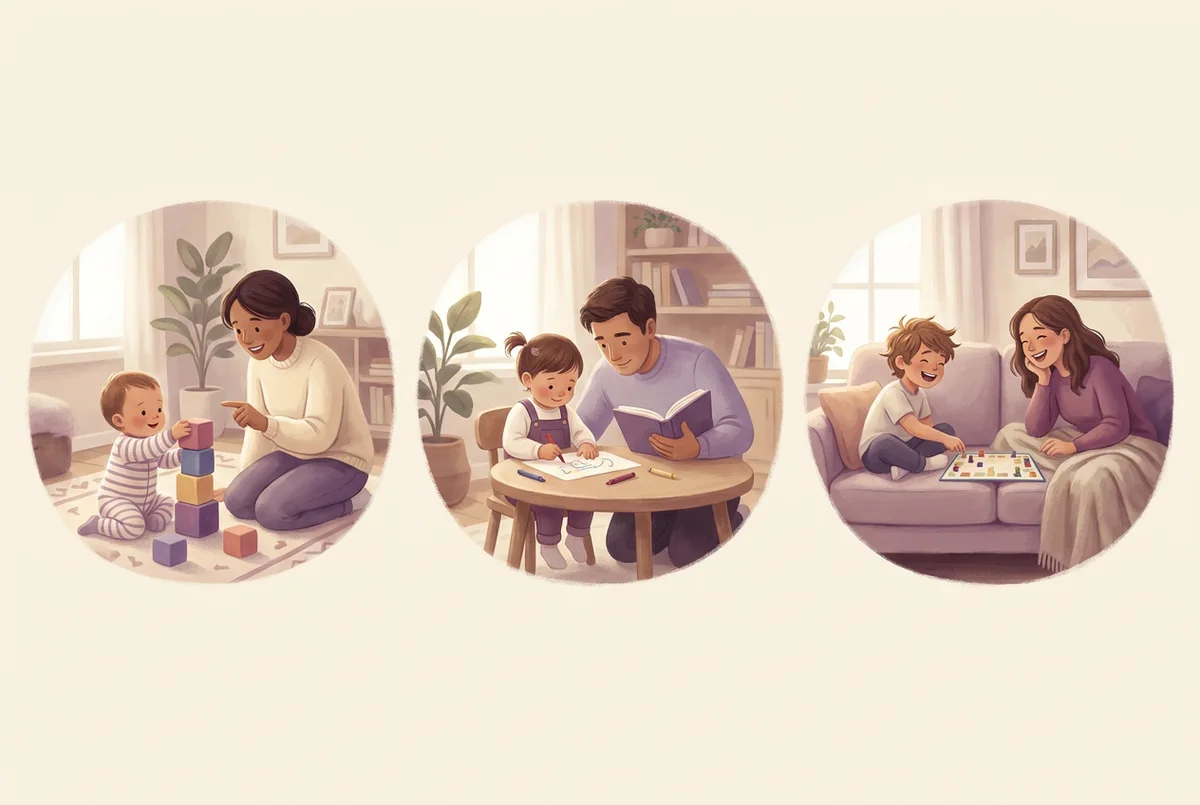
What About Bilingual and Multilingual Households?
A meaningful share of the parents searching for a "language app for kids" aren't starting from zero — they're trying to strengthen a language their child already hears at home, from a grandparent, or during visits to family abroad. That's a different job than teaching a brand-new language, and it changes what to look for.
A child with passive exposure to a language — they understand more than they speak — usually needs production practice: being asked direct questions and expected to answer out loud, rather than more listening. A child starting completely from zero needs the opposite emphasis at first: enough repeated exposure to basic vocabulary before speaking feels natural. An app that only offers one mode (all listening, or all speaking with no vocabulary building first) will fit one of these two kids well and frustrate the other. If you know which situation your family is in, keep it in mind when you run the 10-minute test above: it changes what you're watching for. Our guide on how to raise a bilingual child covers heritage-language families in more depth.
The Bottom Line
There's no single "best" language learning app for kids, because the families searching for one are solving different problems: a school-age child who needs Spanish reinforcement, a household adding a second home language, a parent who wants speaking practice instead of screen-tapping. What travels across all of those situations is the checklist, not a specific app name: real speaking practice, an honest pricing page, a session length that matches your child's age, and a parent view you can check without hovering.
Run the 10-minute test on two or three candidates before you commit to anything. The app your child asks to open again tomorrow will teach you more than any five-star rating. For more side-by-side comparisons of apps and classes, visit our compare page.
Frequently asked questions
What is the best language learning app for a 4-year-old?
There isn't one single best app for every 4-year-old, but there is a useful filter: at this age, an app should ask your child to listen and respond out loud rather than tap a multiple-choice answer, and a session should naturally end after 5–10 minutes. If your child is pre-reading, avoid anything that expects them to read instructions on their own — the app (or you) should read everything aloud.
Are language learning apps for kids actually free?
Most have a free tier, but "free" almost always means one level, one lesson pack, or a time-limited trial rather than the full curriculum. A smaller number of apps use a one-time purchase instead of a subscription: you pay once for a pack of content or conversation time and there's nothing to cancel later. Read the pricing page before your child gets attached to a locked feature.
Should I pick a subscription app or a one-time-purchase app?
It depends on how you want to budget, not on which model is "better." A subscription makes sense if you want continuously updated content and don't mind a recurring charge. A one-time purchase makes sense if you'd rather pay once, know exactly what you're getting, and not worry about forgetting to cancel before a renewal date.
Is screen time on a language app worse than screen time watching cartoons?
Not automatically. The concern with screen time is usually passive, one-directional viewing. An app where your child has to speak, answer, and respond to a real prompt is a different kind of screen time than watching a video — it's closer to a conversation than to television, even though it happens on the same device.
How much daily practice does my child actually need?
Consistency usually matters more than duration. Practicing for 8–10 minutes almost every day is easier to keep up than one 45-minute session on the weekend, and it brings the same words back again and again; ASHA's advice to families is to create daily chances to use the language.
Can an app really teach my child to speak, or only to recognize words?
It depends entirely on the app's design. Apps built around matching, flashcards, or multiple choice mostly build recognition — your child learns to pick the right picture. Apps built around live or simulated conversation ask your child to produce the word out loud, which is a different (and harder) skill. If speaking is your goal, check whether the app actually requires your child's voice, not just their finger.
What's a fair amount to pay for a kids' language app?
There's no single fair price, since pricing models differ so much (subscription, one-time pack, ad-supported free tier). The more useful question is what you get for it: how much of the content is unlocked, whether it includes any live or spoken practice, and whether the price is recurring or one-time.
My child got bored after a week — is that the app's fault?
Sometimes, but not always. Boredom after the novelty wears off is common with any app, including good ones. Before switching apps, check whether the sessions are too long for your child's age, whether the content has stopped adjusting to what they already know, and whether they're being asked to speak or just to tap — passive apps tend to lose kids faster than ones that talk back.
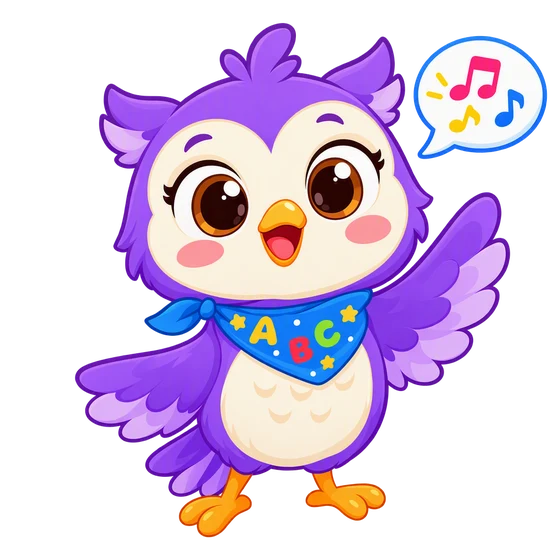
In the Lumi Kids app, Lumi the AI owl talks with your child, corrects gently and hands out stars. Ages 4–12, no ads. The first two levels and the first minute of live conversation are free.


The team behind Lumi Kids. Articles are written using published research on early-childhood language acquisition and the curriculum built into the app, and are reviewed and updated over time. Questions or corrections: hello@lumikids.live