Lumi Kids
Is Duolingo Good for Kids? Ages, Costs and Alternatives
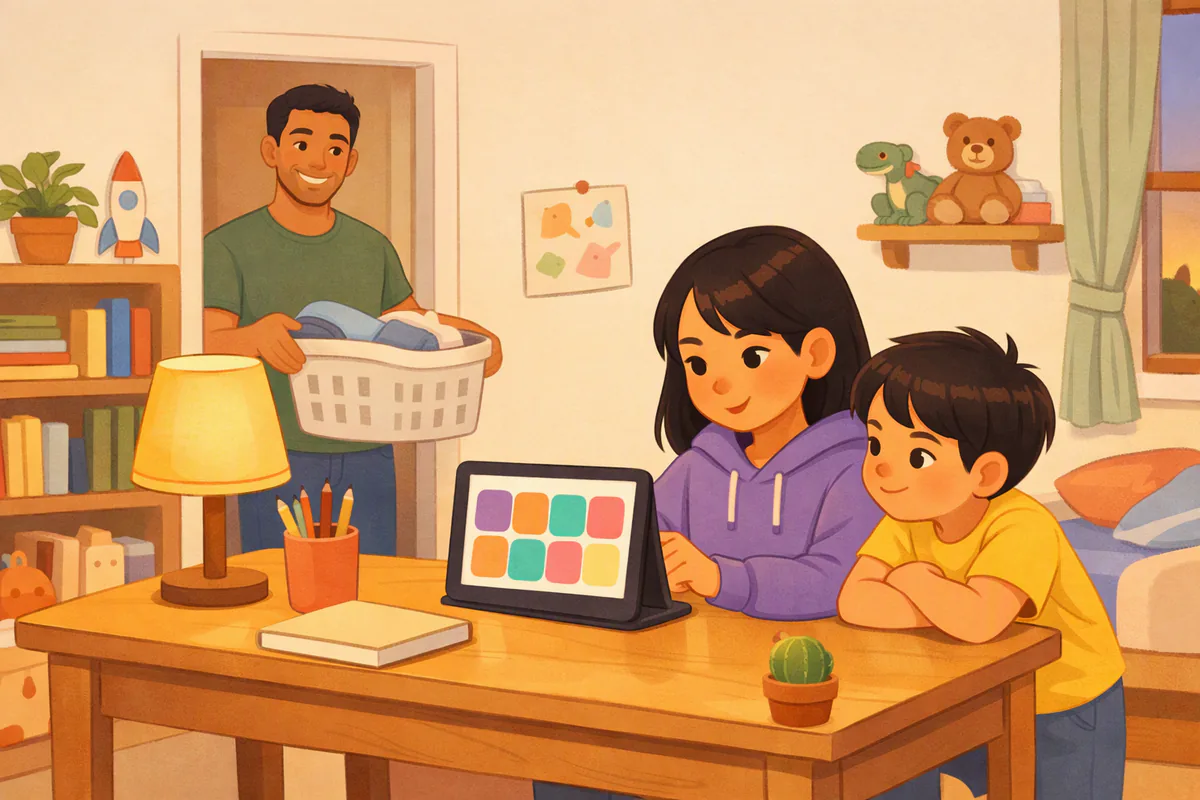
Duolingo can be good for kids who read confidently, usually from around age 9, especially with a parent nearby. It is a general-audience app: the App Store rates it 4+, but Common Sense Media recommends it for ages 11 and up, and the free version contains ads and chat. For children aged 4–7, an app built for pre-readers that asks them to listen and speak is usually a better start.
Duolingo is often the first app parents think of, and many use it themselves. That makes it a natural choice for a child, too. This guide explains what a child actually does in Duolingo, what the age ratings mean, what it costs, why Duolingo ABC is a different product, and which alternatives fit younger kids. All App Store details were checked on the US store on October 5, 2026.
What is Duolingo, and what does a child do in it?
Duolingo is a language app for learners of all ages; its App Store description calls it a free app for learning 40+ languages, and it also covers subjects like chess. Lessons are short and game-like: learners match words, translate sentences by tapping word tiles, listen and type, and repeat phrases out loud. Points, streaks and rankings encourage a daily habit.
For an adult or a teenager, that design works well. For a young child, three things matter more:
- Reading. Most exercises show words and sentences on screen. A child who cannot read them depends on a parent.
- Game pressure. Streaks and rankings motivate many learners, but some children find them stressful or chase points instead of meaning.
- Ads and social features. The App Store listing says the app contains advertising and messaging and chat.
What age is Duolingo for?
Two ratings are often confused:
| Rating | What it says | What it measures |
|---|---|---|
| App Store age rating | 4+ | Whether the content is suitable (no mature content), not whether a 4-year-old can learn with it |
| Common Sense Media | Age 11+ | An editorial recommendation for families; it calls Duolingo excellent for middle schoolers and older kids (Common Sense Media) |
Our practical reading: a child who reads fluently and enjoys working alone, often around 9 or older, can learn a lot with Duolingo. Younger children can join in with a parent, treating it as a shared activity rather than a solo app.
How much does Duolingo cost for a family?
The main app is free with ads. Super Duolingo is the paid version without ads; the app's description invites you to "try Super Duolingo for 14 days free."
| Option | Price on the US App Store (Oct 5, 2026) | What you get |
|---|---|---|
| Free Duolingo | $0 | Full course with ads |
| Super Duolingo | Several in-app options listed from $9.99 to $119.99 | No ads, plus extra features described in the app |
| Gems | In-app from $0.99 | Virtual currency used inside the app |
If your child uses a device with Family Sharing, turn on Ask to Buy so purchases need your approval.
Is there a Duolingo for kids?
Duolingo's app for young children is Duolingo ABC ("Learn to Read – Duolingo ABC"). It is free, with no ads or in-app purchases, and offers more than 700 lessons for preschool to second grade. But it teaches English reading: the alphabet, phonics, sight words and short stories. It does not teach Spanish or any other language. On the US App Store, its listing shows version 1.96.2, dated August 2, 2023.
As of October 5, 2026, a search of the US App Store shows no separate Duolingo app that teaches Spanish to young children. So for language learning, "Duolingo for kids" means either the main app used by an older child, or a different app built for younger learners.
Where does Duolingo work for kids, and where doesn't it?
| Works well when your child… | Struggles when your child… |
|---|---|
| Reads confidently and likes working alone | Can't read the instructions and sentences yet |
| Enjoys streaks and points | Gets upset by losing a streak or ranking |
| Wants a short daily habit (5–10 minutes) | Needs someone to talk with in the language |
| Has a parent who checks in | Uses the device unsupervised, with ads and chat on |
| Is already learning the language at school | Is a pre-reader starting from zero |
Duolingo also works well as a family project: a parent and an older child doing the same course, comparing streaks, and using new words at dinner.
What are better options for younger children?
For children aged 4–7, choose an app built for their age: every instruction spoken aloud, short activities, and a reason to say words out loud.
| Age | What to look for | Apps to consider |
|---|---|---|
| 4–5 | No reading needed, audio for everything, a few minutes per activity | Studycat (3–8), Dinolingo (2–12), Lumi Kids (4–9) |
| 6–7 | Stories and simple written words, speaking practice | FabuLingua, Studycat, Lumi Kids |
| 8–9 | Longer lessons, sentences, some reading | Spanish School Bus, Lumi Kids, Duolingo with a parent |
| 10+ | Independent learning | Duolingo, school or online classes |
Lumi Kids for ages 4–9. In Lumi Kids, Lumi, an AI owl, explains in English and your child answers out loud: every world has at least six exercises, including talking with Lumi. The first two levels and 60 seconds of live talk are free; Lumi Plus ($14.99 a month or $119.99 a year on the US App Store, checked October 5, 2026) unlocks the last two levels and 10 minutes of live talk a week. There are no ads and no account, and a parent zone behind a PIN or a multiplication question sets the daily live-talk limit. See the app.
Our full comparison of Spanish apps for kids lists ages, prices and what each app asks your child to do.
If your child uses Duolingo, how do you set it up safely?
Duolingo can be a good tool for an older child with a few settings in place:
- Create the profile yourself and choose the course together.
- Decide on social features. Look at what the app shares and whether your child should follow or message others.
- Use Screen Time on iPhone or iPad to set a daily limit and downtime, and Ask to Buy for purchases.
- Sit together for the first week. Watch which exercises frustrate your child and which ones they enjoy.
- Add speaking. After a lesson, ask two questions in the language and let your child answer out loud.
- Talk about streaks. A missed day is fine; the goal is learning, not a number.
For a child who also needs conversation practice at home, our guide on how to teach your child Spanish at home gives a 15-minute routine you can combine with any app.
The bottom line
Duolingo is a well-made app for learners who read, and many older children enjoy it, especially with a parent involved. For 4- to 7-year-olds it is usually the wrong first tool: its lessons rely on reading, the free version has ads and chat, and its kids' app teaches English reading, not Spanish. Start young children with an app made for their age, and bring in Duolingo when they read with confidence.
Frequently asked questions
What age is Duolingo appropriate for?
The App Store gives Duolingo a 4+ age rating, which describes its content, not whether a young child can learn with it. Common Sense Media, which reviews media for families, recommends Duolingo for ages 11 and up. In practice, children who read confidently, usually from around 9, can use it with a parent nearby; younger children struggle because lessons rely on reading.
Is Duolingo free for kids?
The main Duolingo app is free to use with ads. Super Duolingo is the paid version without ads; the US App Store lists Super Duolingo options from $9.99 to $119.99 and the description offers 14 days of Super for free. There is no separate free kids' version for learning Spanish.
Is there a Duolingo for kids?
Duolingo's app for young children is Duolingo ABC, a free reading app for preschool to second grade with no ads or in-app purchases. It teaches English letters, phonics and sight words. On the US App Store (checked October 5, 2026) there is no separate Duolingo app that teaches Spanish to young children.
Does Duolingo ABC teach Spanish?
No. Duolingo ABC teaches children to read in English: the alphabet, phonics, sight words and short stories. If you want your child to learn Spanish, you need the main Duolingo app (best for confident readers) or an app built for young language learners.
Can a 5-year-old use Duolingo?
A 5-year-old can tap through some exercises with help, but most lessons expect the learner to read words and sentences, so a parent ends up doing much of the work. At 5, an app that gives every instruction by voice and asks your child to answer out loud is a better fit; you can switch to Duolingo later.
Is Duolingo safe for kids?
Its App Store listing says the app contains advertising and messaging and chat, and the App Privacy section includes data used to track you. If your child uses it, set up the profile yourself, use Screen Time and Ask to Buy on the device, and decide whether social features and notifications should stay on.
Does Duolingo teach kids to speak Spanish?
Duolingo includes listening and speaking exercises, but most practice is reading, tapping and building sentences from word tiles. Children who want to hold a conversation also need practice answering real questions out loud, with a person, a class or a speaking app.
What's a good alternative to Duolingo for a 6-year-old?
Look for an app made for young children: audio for every instruction, short activities and speaking practice. Studycat (ages 3–8), Dinolingo (2–12), FabuLingua (stories for early readers) and Lumi Kids (4–9) are common choices. Our comparison of Spanish apps for kids lists ages and prices.
In the Lumi Kids app, Lumi the AI owl talks with your child, corrects gently and hands out stars. Ages 4–9, no ads. The first two levels and the first minute of live conversation are free.
Download on the App Store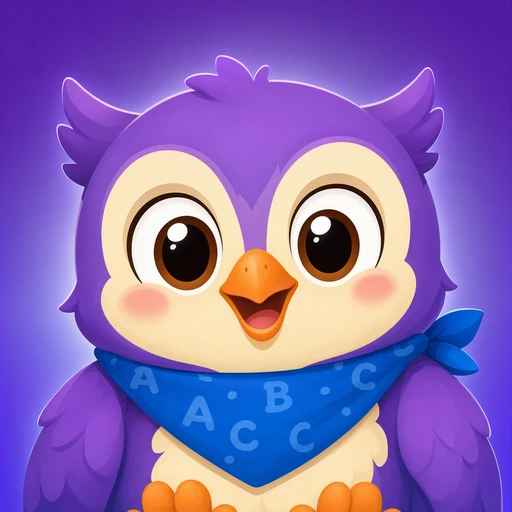
The team behind Lumi Kids. Articles are written using published research on early-childhood language acquisition and the curriculum built into the app, and are reviewed and updated over time. Questions or corrections: hello@lumikids.live